How to Photograph Planets With Your Phone: Jupiter, Saturn and Mars on a Small Screen

- Primary Signal: How to Photograph Planets With Your Phone: Jupiter, Saturn and Mars on a Small Screen
- Overview: You do not need a telescope to photograph a planet. With the right night, the right app and a steady hand, your phone can capture Jupiter's moons and Saturn's glow....
- Verification: Analyzed and compiled by FreeSky Cosmos editorial monitoring desk.
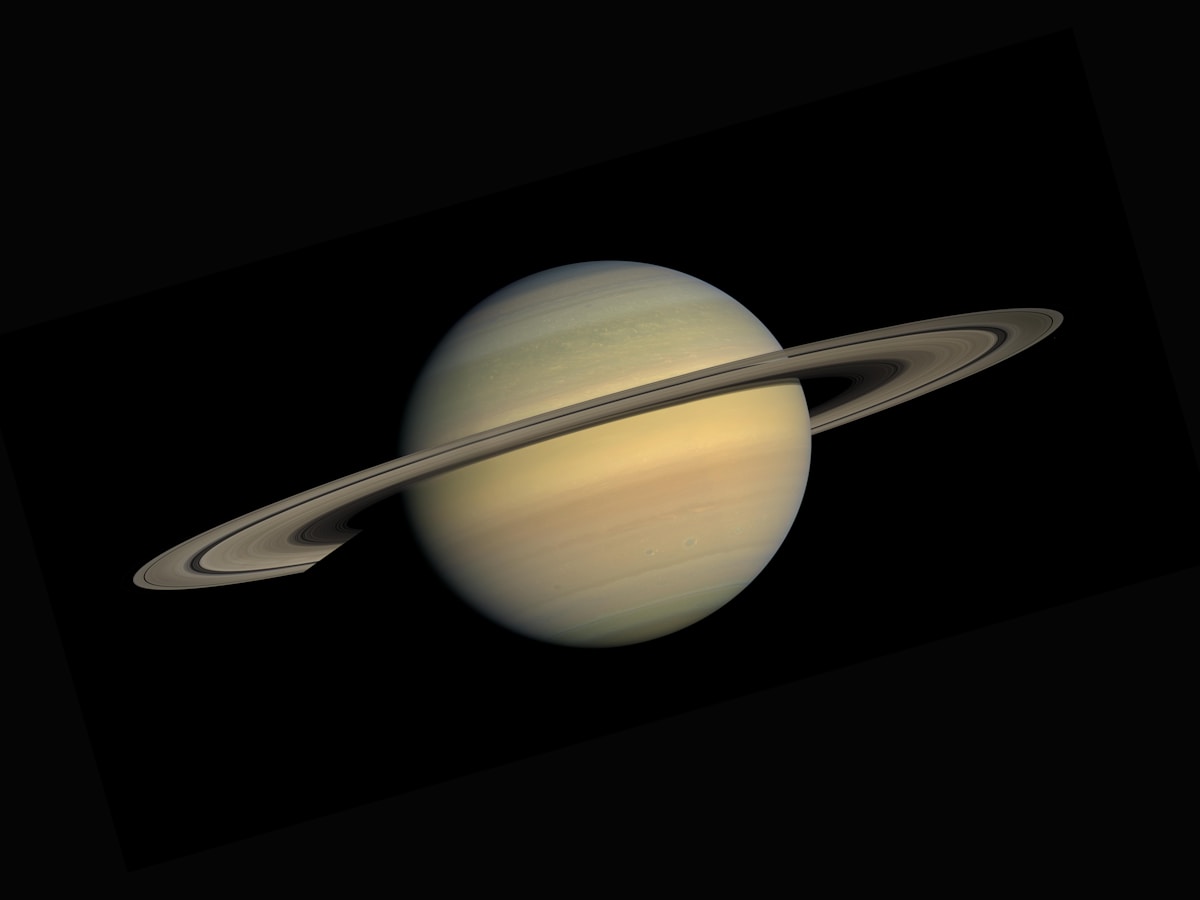
Planets look like bright stars to the naked eye, but a phone camera can reveal more than your eye can. Jupiter shows up as a small disk with tiny companion dots, its four largest moons. Saturn glows warm and steady. Mars burns orange-red. None of this needs a telescope, but it does need a little technique, because phone cameras are built for daylight, not for faint points of light in a dark sky.
Start with a clear, dark night and a planet that is high in the sky, not hugging the horizon where haze and turbulence blur everything. Jupiter and Venus are the easiest first targets because they are bright and forgiving. Saturn is dimmer but unmistakable once you know where to look. Mars is best near opposition, when it is closest to Earth and brightest; at other times it is small and disappointing even in a telescope.
Use a free planetarium app to find your target before you go outside. Point your phone at the sky and the app labels what you are seeing. This step saves more failed photos than any camera setting, because the most common beginner mistake is photographing a bright star and wondering why it never resolves into a disk.
📖 Continue Reading the Full Story
Continue reading this article on FreeSky Cosmos.
⚡ Access Full Content NowMore from FreeSky Cosmos


 ☁️ FreeSky Cloud
Best Free-Tier Email Marketing Tools for Small Lists in 2026
You don't need a paid plan to start email marketing. Compare free tiers on send limits, automation, and brandi...
 ⚡ CyberTech 568
Step-by-Step Tutorial: Playback Speed Calculator — Video Time at Any Speed (Day 2 Guide)
How to accurately use the Playback Speed Calculator — Video Time at Any Speed on CyberTech 568. Discover essen...
🤖 WinBar AI
Step-by-Step Tutorial: YouTube Thumbnail Downloader & Grabber — 4K (Day 2 Guide)
How to accurately use the YouTube Thumbnail Downloader & Grabber — 4K on WinBar AI. Discover essential practic...
 🛰️ FreeSky Aerial
How to Shoot a Drone Hyperlapse: A Beginner's Step-by-Step Guide
A hyperlapse turns a slow drone flight into a spectacular rushing video. Pick a subject with a clear path, use...